Showing posts with label STEM. Show all posts

Friday, December 7, 2018

NEW - - Science in the Makerspace

There were several reasons for the changes to our curriculum and structure this year.  One of those reasons was to increase the focus on engineering in the elementary schools.  Subsequently, we adopted a new science curriculum at the k-5 level.  One of the three units at each grade level is a physical science unit.  Each has a final project that is "makerspacey" in nature - heavy on the design process, very open ended, and applying science concepts to a building task.  We are teaching the physical science unit in the Library/STEM classes this year.  We started the year with those units at 3rd grade and 4th grade - Forces and Interactions, and Energy Works, respectively.  It's been a big change for us and for them, but everyone has enjoyed it so far! 

This week we begin the Push, Pull and Go unit in kindergarten, and the Light and Sound unit in first grade.  This will lead to the kindergarten and first grade students spending considerably more time in the makerspace this year than in previous years.  Over the next few years, it will be very interesting to see how this impacts their work on design projects as they get older.  We've seen a change in our current third and fourth graders, now that we've had the makerspace for 4 years, particularly in the amount of creativity and independent thinking they're showing. 

We continue to be so fortunate to have a community willing to support "out of the box" ideas like tearing out a computer lab and building a makerspace.  Our students are showing the benefits of this every year!


Tuesday, May 31, 2016

Using Seesaw for accountability

Maker Friends, if you have not yet heard about Seesaw, it is time!!  We were introduced to Seesaw last year by Todd Burleson when he visited our space.  It is an online portfolio that is the answer to a lot of our questions: how to document student work, how to "preserve" projects that used non-consumable parts and needed to be dis-assembled at the end, how to share video or tech projects, and how to show parents what we do in the makerspace.  We set up classes for Seesaw and each student had a "page" within their class.  They can access their Seesaw account from any device, via the Seesaw app or the webpage.  They just needed to scan a QR code, or type in a temporary text code that I could generate for them as one of the designated teachers in their Seesaw class.  Seesaw allows them to upload photos, video, sound files, web-links, document files, or to create drawings, notes, or blog entries.  There is then a subscriber option for parents, where they can use a unique QR code to access their child's portfolio and set up notifications so they get updates whenever something new is added, write comments, download files, and communicate back and forth with the teachers.  We used Seesaw throughout the first half of the year in just this way.  I had also started using Seesaw to have them document their weekly progress, so that their parents and teachers could see the project from start to finish.

Then, during my mid-year evaluation pre-conference with my administrator, I mentioned that one of the things I was struggling with was managing 20 different projects in the room at the same time, and what to do with those kids that are likely to slide under the radar and fall behind.  How do I ensure accountability and keep kids focused if I can't be spending one-to-one time with every group every week?  He showed me that I already had the tools to use in place.  By having them document their weekly progress, I was giving myself an extra pair of eyes to monitor their work.  By reviewing their uploads each week, I could see who needed help, who needed a check-in at the beginning of the next class, who was falling behind, who was straying off path.  Not only was Seesaw keeping them aware of their weekly progress, but it was allowing me to stay on top of it, too.

We are looking into expanding into Seesaw for schools next year, which will allow for multi-year portfolios.  How amazing it will be to have students follow their progress from year to year!

Friday, May 6, 2016

High Energy

This week the 3rd and 4th graders started on what is arguably my favorite part of every project - week 1.  I love working with them to plan new projects for so many reasons!

-They are so excited to try something new.
-They get to set their own learning goals, timeline, and outcomes (they LOVE having that much choice!)
-Their ideas are so creative!  It amazes me to see what kinds of things they come up with.  Every time something surprises me!
-They dream big!!  No one can convince that 4th grader that he can't make a hologram projector.  The girl who is just learning how to use the sewing machine has visions of Project Runway in her mind.

Every time we do this, I am reminded how important it is to give them freedom and choice in their work.  No, it's not reasonable to give them control over every part of their school day, but to have the Maker Mindset take hold, students have to be able to pursue their interests and their curiosities.  There are too many times that kids are told exactly what to do, how to create it, what it should look like, what the necessary components are and what materials they should use.  They learn so much by being able to choose these things themselves.  Many times they abandon a first plan, having realized that some part of it won't work well. . . that in and of itself is learning - evaluating, comparing, problem solving.  I provide them with guidelines, sometimes a specific challenge (a vehicle that has wheels and an axle, for example), and the rest is up to them.  I don't want them to all look alike.  I don't want them to make something to meet my expectations, and I don't want to assume everyone has the same ideas, interests, or curiosities.

Today I'm sitting at a conference in Illinois of technology teachers, integrators, and leaders.  Many of them have never heard of makerspaces or know little about them.  It is so fun to watch them play with some of our kits and equipment, and as soon as I start talking about what we do in our makerspace, they all say something along the lines of that being what they wish they'd had in school when they were kids.  Our students have no idea how fortunate they are!!

Saturday, April 23, 2016

3D Printing - We've come a long way!!

I was honored to present last week at WEMTA about 3D printing in our schools.  I spoke about how we're changing our thinking about 3D printing from being a vehicle to create final products to being a vehicle to create learning tools to help all learners in our building.  I have a long way to go in this learning, and I would love to help the classroom teachers feel comfortable using the 3D printer as well, but we've come so far since we first bought our printer!

IMG_0432.JPG I have had many 3rd and 4th graders using the printer this year to print components for projects they were presenting on - things that are too big, too small, too dangerous or too expensive to actually have in the classroom, but that can be replicated in a 3D printed model.  I'm looking forward to pushing that into even younger grades next year!  We've also been printing models of objects for teachers to use to supplement lessons.  This is very much still in its starting stage and will continue to be a work in progress for quite a while!

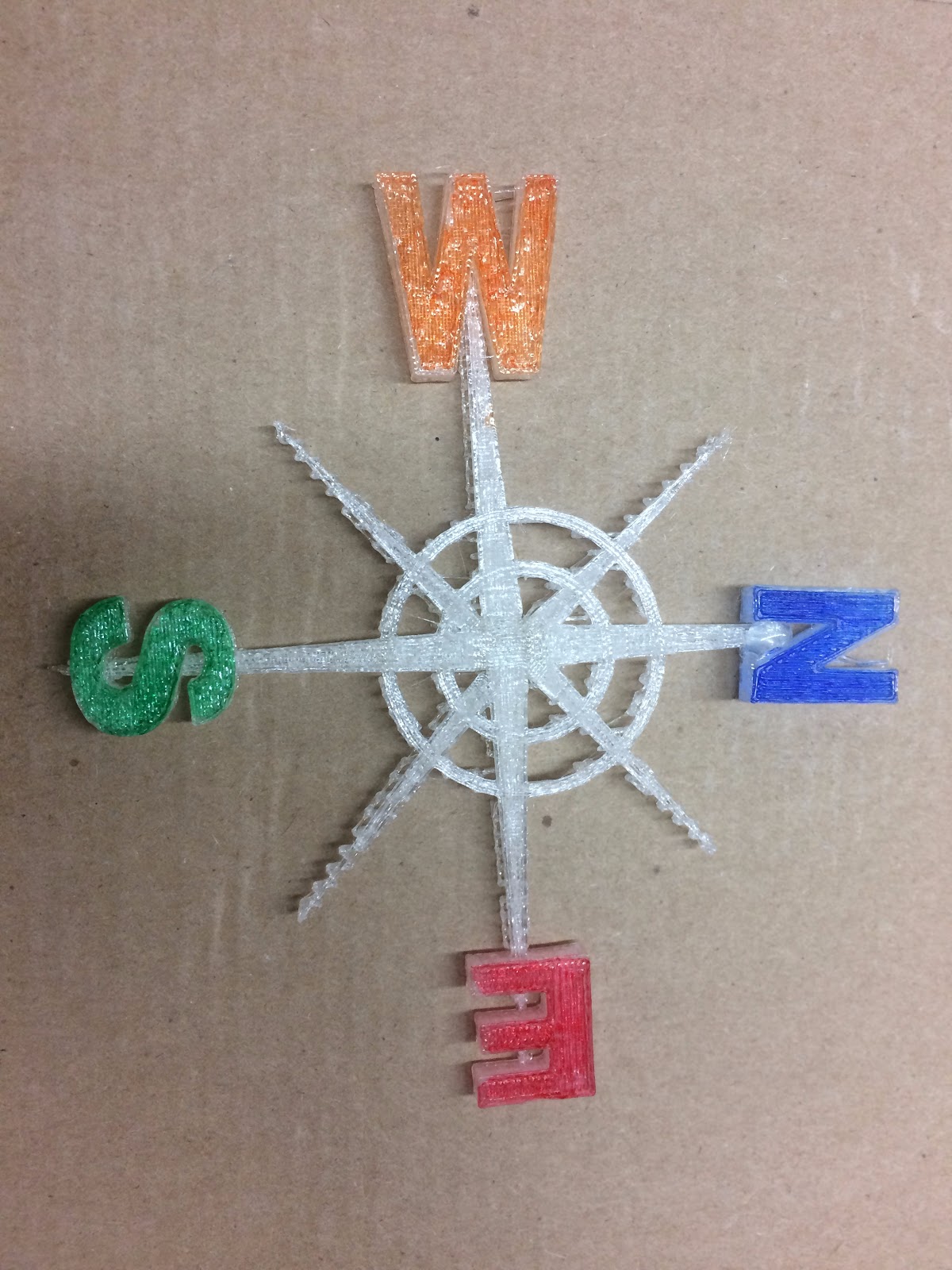
IMG_7624.JPGAt WEMTA I learned about a few apps that can be used to photograph student drawings and convert them into 3D print (stl) files that we can send to the printer.  We've had fun with that this week!  First graders are experimenting with printing out their drawings of bugs, Next week the 3rd graders will be designing slogans to go along with social causes that they are studying and print them out as well.

It's fun to be learning these things right along with the kids!


Cultivating Creativity

We recently spoke at WEMTA about the Maker Mindset, and how it's not about the space, not about the materials, not about the product, but about the process - implementing the engineering design process, learning through failures, and thinking creatively.  This year I have seen that in action from first grade through fourth grade in the makerspace, and it never ceases to amaze me.

   Last week my second grade class was starting vehicle design.  We did this same project last year in the spring, to support their science unit, so I assumed I'd see the same types of projects.  The plans blew me away!
   Their challenge is to make a vehicle that has wheels and axles as well as a body.  I've learned in my two years of doing this that the more open you make the challenge, the more learning happens.  I didn't want to tell them what materials they had to use, how big it had to be (other than they have to be able to take it home with them at the end, so it can't be enormous!) and it had to travel down a ramp.  That's it.  I provided them with research sources (Pebble Go) and we window-shopped materials to brainstorm.  From there it was up to them.
for wemta.PNG


Last year I got a lot of creations that were very similar in design - cardboard boxes with various caps and lids or empty thread spools as the wheels, connected with dowel rods for axles.  There are still many of these in the plans this year, but I'm seeing that as they work, the students' minds are open and thinking creatively, and I'm watching them revise their plans to add unique elements, many of which integrate the electrical circuit kits we have in the space.  I had one pair of students immediately ask me if I had a way to make it solar powered (I bought some solar powered car kits this year that they will be using as their "research" as they design a body of their own and use the solar panel/power element from the kit to power their own creation).  I had a group that was set on creating a remote control car.  They, too, will be learning from a "create your own r/c car kit" and using the parts in their own design.  I had a student ask if he could take apart an old skateboard (yes, but only with parent permission!) to see how it works and use the pieces to create his design.  I have a group modeling their design after brush-bots and using a small motor and battery to make it go.  None of these ideas were prompted by me.  None of them were even suggested.  They got an idea in their heads and knew they were empowered to pursue it.  They knew how to research the information they needed to come up with a plan, and most importantly, they knew that their learning was not measured in the success of their end product as much as in their exploring, testing, trying, reading, discussing, and analyzing.  


Later in the week, the first graders were making their "litter bugs" for Earth Day.  Again, this is a project we did last year, so I figured the outcome would be somewhat predictable.  And again, I was proven wrong!  I have one student who designed a butterfly out of a variety of materials, but rather than stopping there, she took a box, made a habitat for it, and strung it up with fishing wire so that it was actually flying in its habitat.  Another student asked me if I could teach him how to "use electricity" to put a bulb on his firefly design so that it lit up.  One girl decided that creating a litter bug wasn't good enough for her - she wanted something more purposeful, so she made the bug's body a fabric sack, with the opening at the bugs mouth, so that it could be used as a bag to collect litter on Earth Day (so sweet!).  One boy made his bug's body out of a huge plastic tub (the Costco Pretzel kind) covered with blue fabric to match the recycle bins in our building.  He is hoping his teacher will allow them to use it as a recycling bin in the classroom to "make recycling like a fun game".  

When we implemented our makerspace 18 months ago, we saw that products created during library/tech time often looked very similar, and often used many of the same materials.  I love that we're no longer seeing that to be the norm!  And credit falls on the whole school community embracing this maker mindset, both in the makerspace and out.  So much growth for all of us in these two years!

(I'll update with pictures when the projects are complete!)

Monday, March 28, 2016

Second Annual STEAM Night

Last week Summit hosted its second Family STEAM Night, an open house of activities highlighting how science, technology, engineering, arts and math are being integrated into the elementary school day.  With the help of wonderful staff volunteers and the attendance of dozens of families, we had a great night of fun!

(To see what we did for our first STEAM night in 2015, see our previous post)

This year we kept a couple favorite activities and brought in a whole bunch of new experiences as well.  In the art room, our families were able to participate in Pendulum Painting, using force and momentum to change the design as they swung the pendulum.


We were fortunate, once again, to have former Summit students who are now on the Oconomowoc High School Robotics Team bring their robots and their knowledge to share with our students.  We're so grateful for their generosity to give up their time to do this each year!


Another returning favorite this year was the Amazing Race Family Scavenger Hunt.  Mr. Dirkmann integrated math and logic problems with physical challenges that took them around the school in a frenzy of running and hippity-hopping.


New to STEAM night this year, Home Depot donated 100 Kids' Workshop woodworking kits that families could build in the makerspace and take home with them.  The room was packed all night.  This was a big hit with kids of all ages!


And in the library, families were invited to become newscasters in front of the green screen on our newly finished stage.  We have some very natural actors in our midst!  We also set up our Osmos in the library, running the Masterpiece app.  Here, participants could use the app to help them draw their own masterpieces.  We're so grateful to OPEF for funding our Maker Cart grant this year, which allowed us to purchase the Osmos for our students to use.


Highlighting some more of our new Maker Cart equipment, we had a robotics and engineering cart station set up in the cafeteria, where families could explore some of the new building kits in the tech and science carts.

Another station that was available to families was our Sink-or-Float activity.  Participants built boats out of a variety of materials from the makerspace, with no specifications to the size or shape.  Then they could test its buoyancy in the water tables.


We also had a helicopter making station.  Kids decorated and made helicopters, then tested how the number of paperclips affected the flight of their helicopters.


Always a favorite, we had our MaKey MaKey kits set up for play as well.  Students showed their parents how to use the MaKey MaKey to make fruit pianos, Play-doh drums, and joysticks to play PacMan online.


We brought back the Angry Bird Catapult station this year, where families tried to see how they could knock down the most bricks by changing the distance, the angle, and the speed of their launched bird.
New this year was a math room, where Mrs. Riley set up a whole collection of math centers, including pattern block art, 3D shape building with straws and pipe cleaners, math board games, math books, and tangrams.  It was fun for kids to be able to show their parents some of the different manipulatives we use to explore math in school.


We also had an unplugged coding activity, where families guided their "robot" to build a cup tower without talking, by only giving them directions using the coding arrow posters.  And lastly, we had a straws-and-connectors tower building area, where families put their engineering and design skills to the test to see how tall they could build a structure that could hold up a book.


Planning has already begun for next year's STEAM night, and families all said they had a wonderful time!!

**Thank you to Home Depot for donating the woodworking kits, OHS Robotics team for helping us out, and MSOE for donating raffle prizes.

Tuesday, November 3, 2015

"Making" Math

This year we've started a school wide implementation of "PIE" time - Practice, Intervention, Enrichment.  We call it our "Husky Power Time".  I am fortunate enough to get an opportunity to work with 3 grade levels during their Husky Power Time on math enrichment.  With this 30 minutes a day, 4 days a week, I have time to really get into some of the fun STEM applications of math that we haven't had enough time to do before.  And with that taking place in the Makerspace, I am taking full advantage of this time block.

This week my first grade Husky Power group has been working on missing addend word problems like the following: Matt has some sticks.  He collects 27 more.  Now Matt's stick collection is 68 sticks.  How many sticks did Matt have at the beginning?  We have worked through interpreting these problems and representing them with a number sentence.  Today they are working on representing them with Legos as well.  Though many of the students chose one to show after they had solved it, some students realized that the Legos would be a valuable tool to help them figure out the answers as well.  I love watching them so totally engaged as they work with a "toy" to help them organize their thinking!


My fourth graders gifted kids are working through the Khan Academy Pixar in a Box curriculum, which teachers kids the math and science concepts they use at Pixar to make their animations lifelike.  After watching tutorial videos and trying a simulation on the computer, they have a hands on component.  This week, they are making parabolic curves with cardstock and needle and thread.  What a valuable way to reteach and assess learning through these hands on activities.  


My fourth grade Husky Power group is doing a home design project, where they have certain requirements for their house, they have a budget, and they are drawing the plans.  Later this week, as they finish their plans, they will create a model of their home, in whatever way they choose, to show their design.  I have a student using an app called Home Design 3D to create a blueprint, I have a child who is electing do use Legos, I have another who is designing in Tinkercad.  I can't wait to see what the end results look like!


Bird Nest Challenge

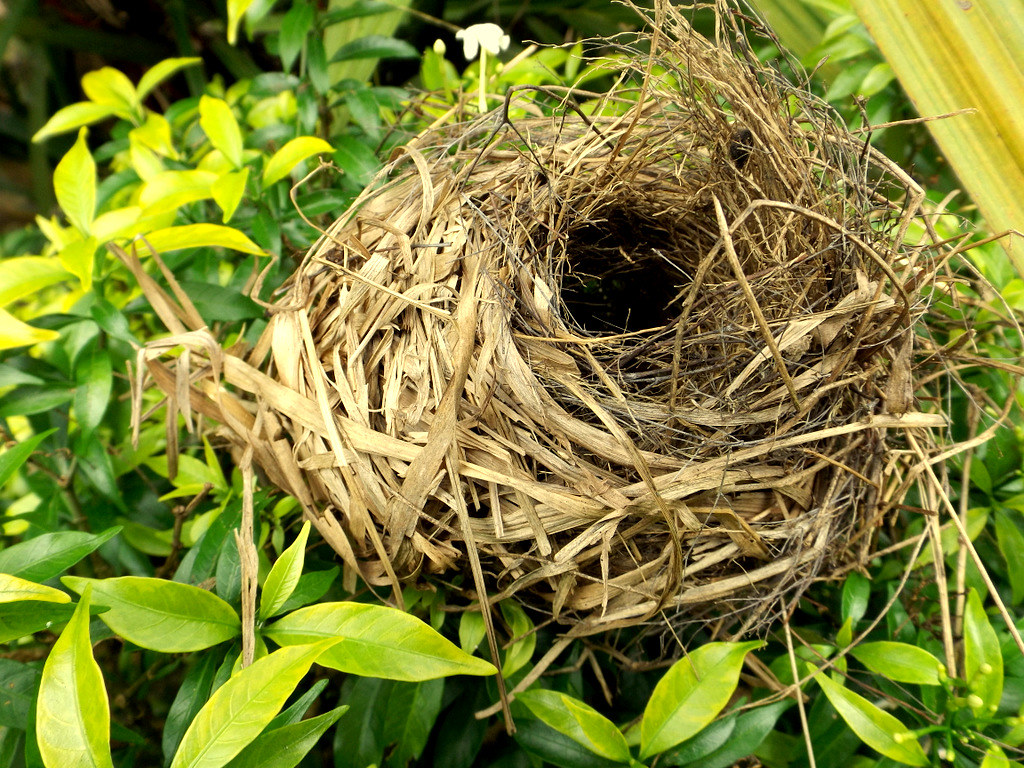
"Bird's Nest"   by  Rugged Lens  is licensed under  CC BY-SA 2.0  Nothing says "Spring" like birds making nex...