Tuesday, January 24, 2017

Maker Club

Our first ever 4th grade Maker Club is coming to a close.  I was so glad that my schedule allowed for this to happen this year, as it's something I've been wanting to do since we first created our makerspace.  The club met during lunch time, and while the kids ate, I taught a mini-lesson about a specific piece of equipment - this allowed the kids to have time with some of the things we don't always get to use during our library/tech classes.  Then they had the rest of our 45 minute time to either do something with the equipment we'd looked at that day, or work on a project of their choice.  They loved the MaKey MaKeys, the Chibilight circuit stickers, and the Dash and Dot robots in particular.
Bloxels
3Doodler Pens

Chibi Lights and Circuit Art

Dash and Dot Xylo

Dash and Dot


Next up is our 2nd grade robotics club, starting in February.

Monday, January 23, 2017

STEAM all over the school!

The last week before our holiday break was so fun for me. . . walking around the building I saw STEAM challenges and activities everywhere!  I love how now, in our third year with our makerspace, it's becoming integrated into the classroom!


5K - "Help the Gingerbread Man Cross the River" Bridge Building Challenge
 

5K -  Interactive Holiday Greetings: Scan the QR code to hear them perform holiday music while reading their published writing.

2nd grade - Interactive 3D Printed Shapes Museum: Scan the QR code to watch a Shadow Puppet video about the attributes of their chosen shapes
     

 1st Grade - iPad App inspired holiday published writing: "Tech the Halls"

2nd Grade - Santa's Helper Design Challenge: 
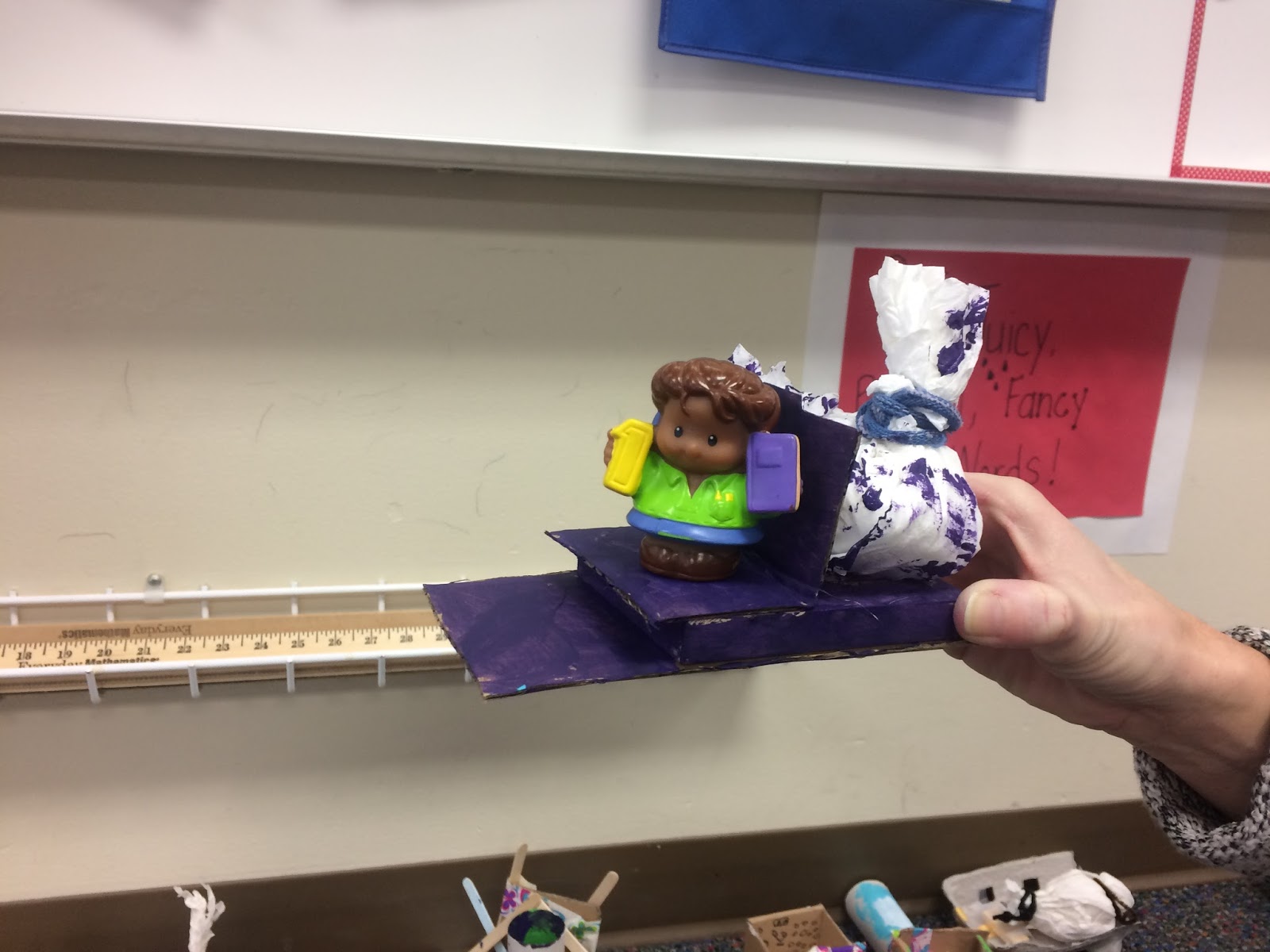
Fit Santa and a bag of toys in the sleigh using recycled materials

Toys and STEAM

Balancing Whales
Our first big design project with the third and fourth graders has wrapped up, and it was so much fun!  I was inspired for this project when I was cleaning out our basement this summer and I came across a toy I had been given years and years ago by a student called "balancing whales"


I realized how much science went into the design of that toy and wanted to try to come up with a way to integrate it into the classroom somehow.  Then I started thinking about some of the other toys I was picking up - ball poppers, tops, snap bracelets, light up toys. . . as I looked at each one, even the super cheap Happy Meal/carnival prize type toys, I saw so many uses of math and science in their design.  I decided that would be a fun springboard for a design project, and off we went.

First we did some review of the design process (after all it was the first month back at school!!)


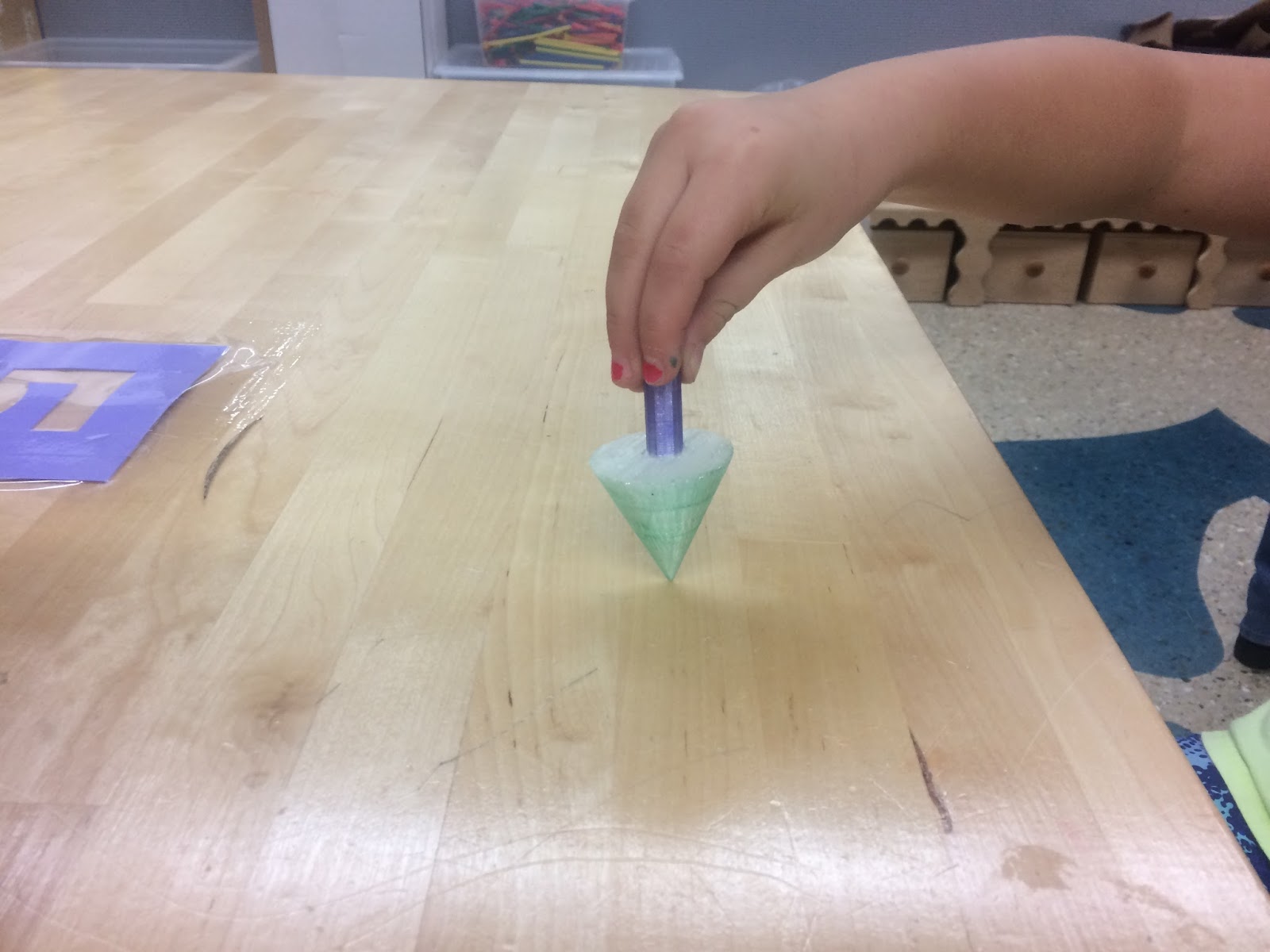
What Makes a Top Spin?
Then we our research.  The kids studied and analyzed the toys, looked up various forces, simple machines, and other science concepts to see what made the toys work.  I loved seeing them really look at the toys differently than they normally would.  Many of them even brought in toys from home, as they started looking for the science there as well.


3D Printed Marble Hand Maze
After they'd looked at a few toys, they were ready to come up with a plan to create a toy inspired by one of the toys we looked at.  Their ideas were so creative and fun!   Many of them decided they wanted to use the 3D printer to help them generate parts that they didn't have.  Great to see us at that level of integration for that equipment as well!

After weeks of designing, testing, and improving, they shared their creations with the group and posted videos of themselves explaining them to their Seesaw accounts for their parents to enjoy as well.

The final step of this project was a self-evaluation.  I'm really working on including more of this into their work this year, so that they're thinking about what they want to accomplish in a project and how to assess whether or not they have achieved it.  The rubric I created was adapted from several examples I found on line, tailored to fit this particular project.

Enjoy some of the pictures of their fun and creative projects!
Sphero Driven Car
Catapult Skee-Ball


Puff Ball Launcher
3D Printed Hot Air Balloon

Bendy Dog
Kaleidoscope Sunglasses

Monday, October 24, 2016

Back into it!

It's been a while. . .

We're now underway in year 3 with our Summit Makerspace.  As we saw last year, the kids' thinking is growing and changing with each year, so the way they are approaching things this year is different than last fall, and VASTLY different than the first year.  Our focus with them last year was really thinking about how to challenge themselves - not to keep working with the same materials or same type of design, but to try to learn something new that will help them in their project.  This year, I really want to see them start looking at the how and why behind things around them.  I'm seeing already that they are starting to think this way - many of them are interested in using parts of kits to help in their projects, rather than the whole kits.  Or they want to take something apart to use a piece from it on another project.

We added something new to the makerspace last year that will help them think in this way:  our "Take Apart Cart".  We've received donations of about a dozen old computers, cameras, printers, and sewing machines to add to the cart.  These items can be used in two ways: Kids can take them apart, study the insides, then see if they can put them back together again (I see connections with procedural writing and sequencing here!) or they can take them apart to obtain components to use in other projects.  I'm looking forward to really putting the cart to use!

Also new this year, we've obtained (through Donor's Choose, primarily) several different coding games, robots, and tools that we will use to really solidify our younger students' understanding of coding and programming.  We used some of them a bit last year at the end of the year, and they were immediate hits.  I hope this will help us reach all learners in a way that helps them learn.

One other change this year has been my schedule.  With the hiring of Emily Goranson into our part time LRT position, we have restructured my day so that I am available over the noon lunch hour.  This has allowed me to teach mini-classes on specific skills already this year (sewing, 3D printing, circuits, using the woodworking tools, etc.).  And later in the year, this time will be used for a second grade robotics club and a 4th grade makers club.  Any opportunity to give kids more time to explore and learn will only benefit them during their once a week library/tech/makerspace time.

Stay tuned for more as we get into the year!

Tuesday, May 31, 2016

Using Seesaw for accountability

Maker Friends, if you have not yet heard about Seesaw, it is time!!  We were introduced to Seesaw last year by Todd Burleson when he visited our space.  It is an online portfolio that is the answer to a lot of our questions: how to document student work, how to "preserve" projects that used non-consumable parts and needed to be dis-assembled at the end, how to share video or tech projects, and how to show parents what we do in the makerspace.  We set up classes for Seesaw and each student had a "page" within their class.  They can access their Seesaw account from any device, via the Seesaw app or the webpage.  They just needed to scan a QR code, or type in a temporary text code that I could generate for them as one of the designated teachers in their Seesaw class.  Seesaw allows them to upload photos, video, sound files, web-links, document files, or to create drawings, notes, or blog entries.  There is then a subscriber option for parents, where they can use a unique QR code to access their child's portfolio and set up notifications so they get updates whenever something new is added, write comments, download files, and communicate back and forth with the teachers.  We used Seesaw throughout the first half of the year in just this way.  I had also started using Seesaw to have them document their weekly progress, so that their parents and teachers could see the project from start to finish.

Then, during my mid-year evaluation pre-conference with my administrator, I mentioned that one of the things I was struggling with was managing 20 different projects in the room at the same time, and what to do with those kids that are likely to slide under the radar and fall behind.  How do I ensure accountability and keep kids focused if I can't be spending one-to-one time with every group every week?  He showed me that I already had the tools to use in place.  By having them document their weekly progress, I was giving myself an extra pair of eyes to monitor their work.  By reviewing their uploads each week, I could see who needed help, who needed a check-in at the beginning of the next class, who was falling behind, who was straying off path.  Not only was Seesaw keeping them aware of their weekly progress, but it was allowing me to stay on top of it, too.

We are looking into expanding into Seesaw for schools next year, which will allow for multi-year portfolios.  How amazing it will be to have students follow their progress from year to year!

Tuesday, May 17, 2016

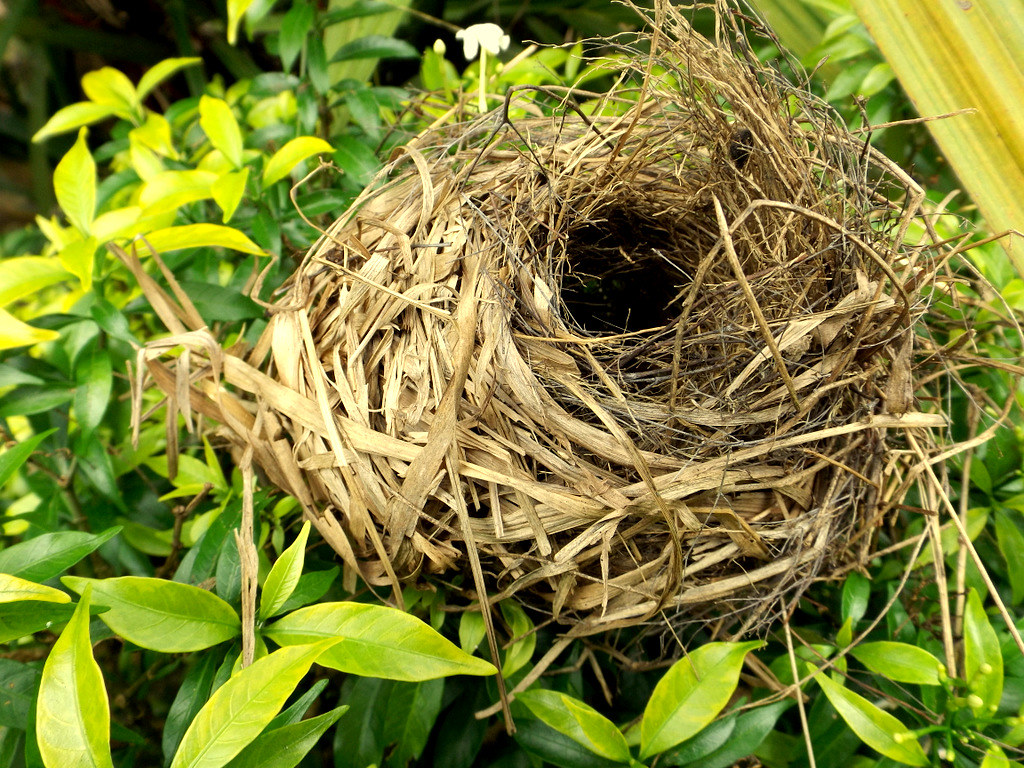
This week, my K5 classes tried to build a bird's nest using materials they found outside.  We revisited the Design Process and talked about how birds are amazing engineers that can build a nest without any hands or fingers!  While we were gathering sticks, leaves, grass, etc. outside, we came upon a real bird guarding her nest.  It was quite ironic and interesting to see the real thing before trying to build a nest ourselves.  At the end of the lesson, we came to the conclusion that building a bird's nest is not at easy as it looks!


Friday, May 6, 2016

High Energy

This week the 3rd and 4th graders started on what is arguably my favorite part of every project - week 1.  I love working with them to plan new projects for so many reasons!

-They are so excited to try something new.
-They get to set their own learning goals, timeline, and outcomes (they LOVE having that much choice!)
-Their ideas are so creative!  It amazes me to see what kinds of things they come up with.  Every time something surprises me!
-They dream big!!  No one can convince that 4th grader that he can't make a hologram projector.  The girl who is just learning how to use the sewing machine has visions of Project Runway in her mind.

Every time we do this, I am reminded how important it is to give them freedom and choice in their work.  No, it's not reasonable to give them control over every part of their school day, but to have the Maker Mindset take hold, students have to be able to pursue their interests and their curiosities.  There are too many times that kids are told exactly what to do, how to create it, what it should look like, what the necessary components are and what materials they should use.  They learn so much by being able to choose these things themselves.  Many times they abandon a first plan, having realized that some part of it won't work well. . . that in and of itself is learning - evaluating, comparing, problem solving.  I provide them with guidelines, sometimes a specific challenge (a vehicle that has wheels and an axle, for example), and the rest is up to them.  I don't want them to all look alike.  I don't want them to make something to meet my expectations, and I don't want to assume everyone has the same ideas, interests, or curiosities.

Today I'm sitting at a conference in Illinois of technology teachers, integrators, and leaders.  Many of them have never heard of makerspaces or know little about them.  It is so fun to watch them play with some of our kits and equipment, and as soon as I start talking about what we do in our makerspace, they all say something along the lines of that being what they wish they'd had in school when they were kids.  Our students have no idea how fortunate they are!!

Bird Nest Challenge

"Bird's Nest"   by  Rugged Lens  is licensed under  CC BY-SA 2.0  Nothing says "Spring" like birds making nex...