Monday, March 28, 2016

Second Annual STEAM Night

Last week Summit hosted its second Family STEAM Night, an open house of activities highlighting how science, technology, engineering, arts and math are being integrated into the elementary school day.  With the help of wonderful staff volunteers and the attendance of dozens of families, we had a great night of fun!

(To see what we did for our first STEAM night in 2015, see our previous post)

This year we kept a couple favorite activities and brought in a whole bunch of new experiences as well.  In the art room, our families were able to participate in Pendulum Painting, using force and momentum to change the design as they swung the pendulum.


We were fortunate, once again, to have former Summit students who are now on the Oconomowoc High School Robotics Team bring their robots and their knowledge to share with our students.  We're so grateful for their generosity to give up their time to do this each year!


Another returning favorite this year was the Amazing Race Family Scavenger Hunt.  Mr. Dirkmann integrated math and logic problems with physical challenges that took them around the school in a frenzy of running and hippity-hopping.


New to STEAM night this year, Home Depot donated 100 Kids' Workshop woodworking kits that families could build in the makerspace and take home with them.  The room was packed all night.  This was a big hit with kids of all ages!


And in the library, families were invited to become newscasters in front of the green screen on our newly finished stage.  We have some very natural actors in our midst!  We also set up our Osmos in the library, running the Masterpiece app.  Here, participants could use the app to help them draw their own masterpieces.  We're so grateful to OPEF for funding our Maker Cart grant this year, which allowed us to purchase the Osmos for our students to use.


Highlighting some more of our new Maker Cart equipment, we had a robotics and engineering cart station set up in the cafeteria, where families could explore some of the new building kits in the tech and science carts.

Another station that was available to families was our Sink-or-Float activity.  Participants built boats out of a variety of materials from the makerspace, with no specifications to the size or shape.  Then they could test its buoyancy in the water tables.


We also had a helicopter making station.  Kids decorated and made helicopters, then tested how the number of paperclips affected the flight of their helicopters.


Always a favorite, we had our MaKey MaKey kits set up for play as well.  Students showed their parents how to use the MaKey MaKey to make fruit pianos, Play-doh drums, and joysticks to play PacMan online.


We brought back the Angry Bird Catapult station this year, where families tried to see how they could knock down the most bricks by changing the distance, the angle, and the speed of their launched bird.
New this year was a math room, where Mrs. Riley set up a whole collection of math centers, including pattern block art, 3D shape building with straws and pipe cleaners, math board games, math books, and tangrams.  It was fun for kids to be able to show their parents some of the different manipulatives we use to explore math in school.


We also had an unplugged coding activity, where families guided their "robot" to build a cup tower without talking, by only giving them directions using the coding arrow posters.  And lastly, we had a straws-and-connectors tower building area, where families put their engineering and design skills to the test to see how tall they could build a structure that could hold up a book.


Planning has already begun for next year's STEAM night, and families all said they had a wonderful time!!

**Thank you to Home Depot for donating the woodworking kits, OHS Robotics team for helping us out, and MSOE for donating raffle prizes.

Wednesday, February 17, 2016

Organized Chaos

So much fun!!!

The fourth graders are currently working on a coding/design project.  They spent the month of January learning the ins-and-outs of Scratch, a program that teaches coding.  They then designed a project that they're going to do in the makerspace that will have some component that is being run by coding, either with Scratch, or WeDo software (that goes with the Lego WeDo Robotics kits).  Some have decided to create robots with moving parts; some are creating sports equipment with built in sensors, to help keep score; others are making interactive artwork, where they're using scratch to program designs drawn on the computer to follow the mouse or change colors; and some are making interactive posters, board games, displays, charts or dioramas, programmed to light up, play sounds, or have moving parts.

The energy of this kind of project is contagious - they're all so excited about what they're starting and there are a dozen different things going on at the same time.  My administrator observed me last week during one of these classes with a fourth grade group, and he commented on the same thing - they all get right to work and work right up to (and often past) the very last minute.

Check out the activity today - there were kids breaking apart old headphones to study how speakers work, building a soccer goal out of wood, creating video games in Scratch, using conductive thread to sew flowers that will be a part of an interactive musical bouquet, designing  on Tinkercad, constructing Lego creations to program with Wedo, using the 3D pens, and working with the Makey Makey.

Looking forward to seeing (and showing off) their final products!

Tuesday, February 2, 2016

First Grade Non-Fiction Projects

Our first grade students just wrapped up a non-fiction reading/writing unit in their classrooms.  We decided that this lent itself nicely to some design and technology projects as a culminating activity.  It ended up being a great way to integrate our library/research/technology skills with the design element in the makerspace.

Each student chose one non-fiction topic they'd read and written about in class, or one that interested them but they hadn't had time to research yet.  They used Pebble Go to do a bit more reading, and then they sketched their design idea.  In weeks 2 and 3, they built their models using the following criteria: It had to be 3-Dimensional (great conversation with these first graders about what that means and the difference between 2D and 3D), it had to be realistic (shape, color, features, etc.), and it had to be small enough for them to take it home with them on the bus . . . no life sized rhinos allowed!

They did such a great job putting detail into their objects, some even building dioramas to create a "backdrop" for their object.  This was the first time I've tried a completely open ended design project with first graders.  Usually they are designing to meet a certain challenge or creating something a bit more directed.  I was really pleased with the level of creativity and effort.  During this time, we had a few different groups of visitors coming through the makerspace, and many commented on the level of engagement from the students, and how there were virtually no behavior issues while they were working.  They were also impressed with how well the kids clean up - the room went from chaos to order in 10 minutes!  Our kids love and respect the makerspace, and they realize how lucky they are to have it.  They know they need to keep the room in good shape!

Up next, they are going to use Chatterpix to add narration to their objects, so that they can share some of the facts they've learned as well.


Seesaw!!!!


Available at: https://app.seesaw.me/#/login
IOS App: https://itunes.apple.com/us/app/seesaw-the-learning-journal/id930565184?mt=8

One of the things that's always bothered us about projects that we make in the makerspace, or engineering design challenges that the kids do in groups, is the idea that when they're done, there's not a way for them to take them home.  It's so frustrating for them to work so hard on something and then have to take it back apart.  Last spring, a visitor to the makerspace introduced us to an app called Seesaw (thank you, Todd!).


Seesaw is an online portfolio that can be accessed from tablets or from the computer.  Students have a class login (via QR code) and they can add drawings, pictures, videos, notes, voice recordings, files and links.  Their parents can subscribe to their portfolio (again, using a unique QR code) and follow their progress from home.  They can set up their account to receive an email or a text when their child adds something new, and they can comment on posts as well.

The app is very accessible for students as young as Kindergarten, and the students love posting updates to their account.  So far we've only posted finished products, but with the design project that my 4th graders are starting right now, I am going to ask them to post an update at the end of each class to show their progress along the way.  Seesaw is a great find, and I highly recommend it, whether you're working in a makerspace or not!

Thursday, January 28, 2016

This week, I introduced the Design Process to my K5 classes.  Given a box of materials, the students were asked to design a snowman that could stand on its own and not fall over when blown with wind (a hair dryer).  We talked about the need to create a plan, try it out, and then revise or start all over if needed.  The students did a great job of using the materials in different ways to build a snowman.  Most of their snowmen even withstood the wind from my hairdryer!  The groups that did need to revise or start all over did have some difficulty finishing.  This lesson was a great reminder for me that my students need more time than I think (or plan) to make mistakes, learn from them, design a new plan, and then have time to try their new design out.

Tuesday, December 15, 2015

This...

was the highlight of my day.  Last week, many of our students at Summit participated in the Hour of Code.  During their Library/ Tech class, I had my K5 students work on the Level 1 tutorials.  The student on the left in this picture stated school in September not knowing any English.  There are still many language barriers for him in school.  Following directions and knowing what to do is a continual struggle for this English language learner.  However, he totally got the language of computer coding!!  When a student next to him needed help, he voluntarily showed her what to do.  The smiles on both of their faces was absolutely priceless.  I was amazed at how engaged all of my students were during this lesson.  I am really glad we used the Hour of Code website for our coding lessons and will definitely do so again in the future.      

Monday, December 14, 2015

Attention SE WI teachers

We are starting a school/library makerspace networking groups for fellow teachers in Southeastern Wisconsin.  If you'd like to be included, please fill out this form

Looking forward to sharing ideas and hearing what other schools and libraries are doing with Makerspaces!

Bird Nest Challenge

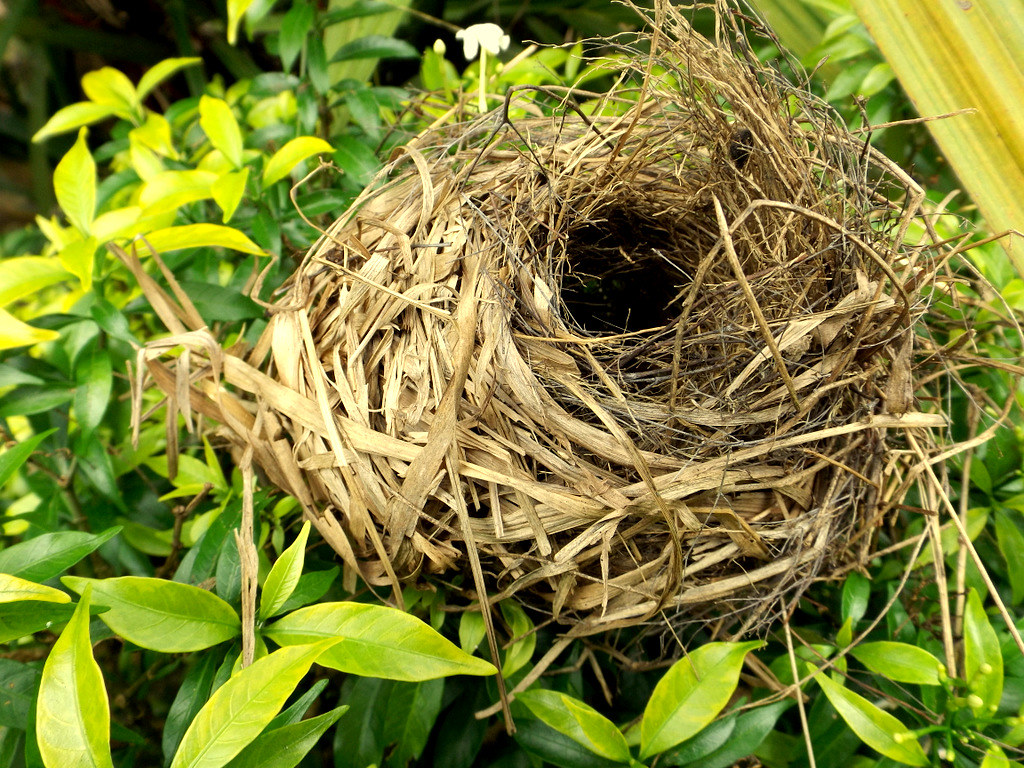
"Bird's Nest"   by  Rugged Lens  is licensed under  CC BY-SA 2.0  Nothing says "Spring" like birds making nex...